

Shot on iPhone.
Looks like Arri.
A single LUT that moves your iPhone footage away from the over-sharpened phone look — into richer color, smoother highlight rolloff, and a cleaner cinematic baseline inspired by Arri's color response. Built for Apple Log 2 on the iPhone 17 Pro & 17 Pro Max.
Apple Log 2 → Arri-inspired color — one LUT, one click. No subscription.
One-time purchase. Digital download. Works in DaVinci Resolve.
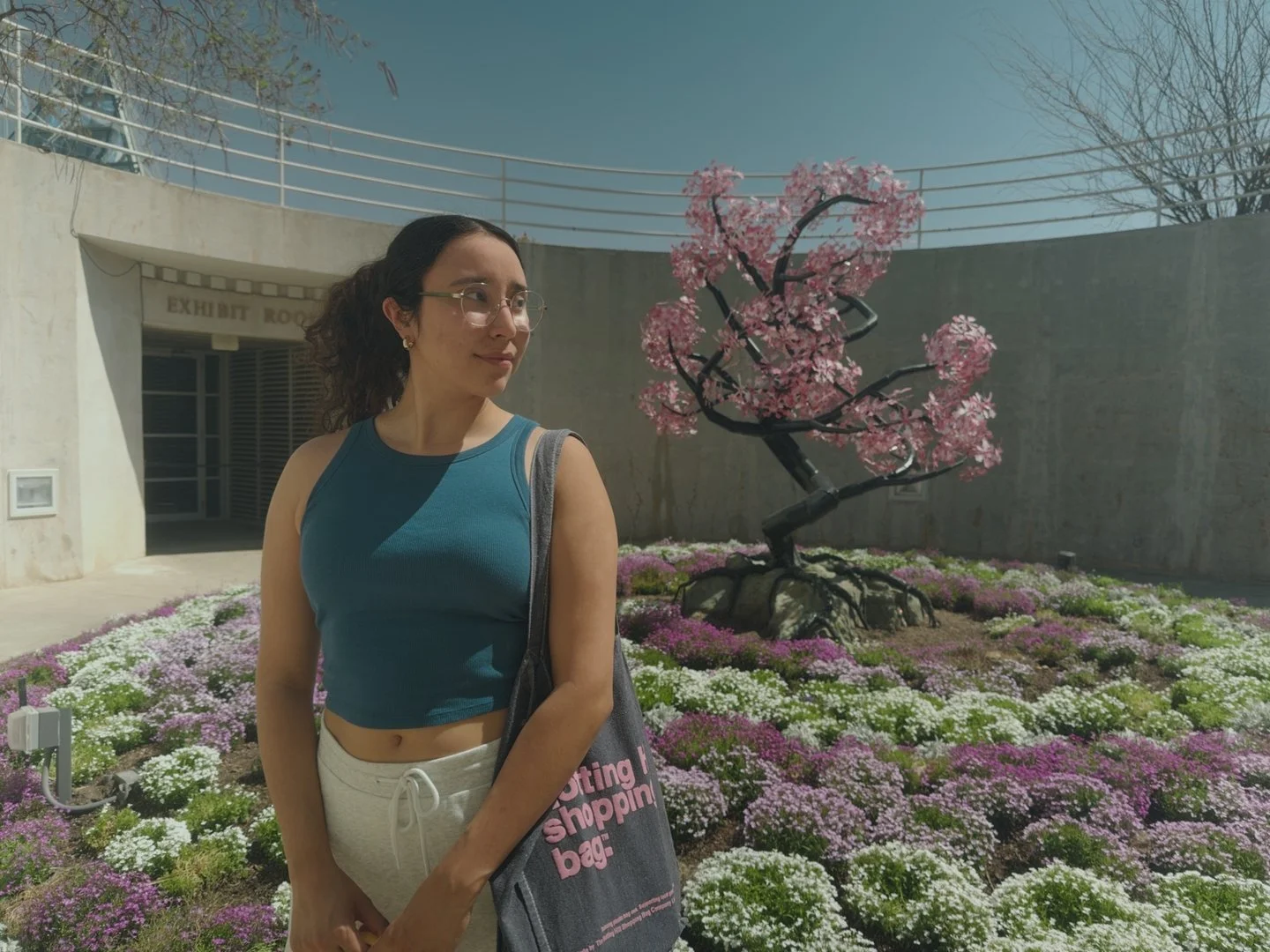
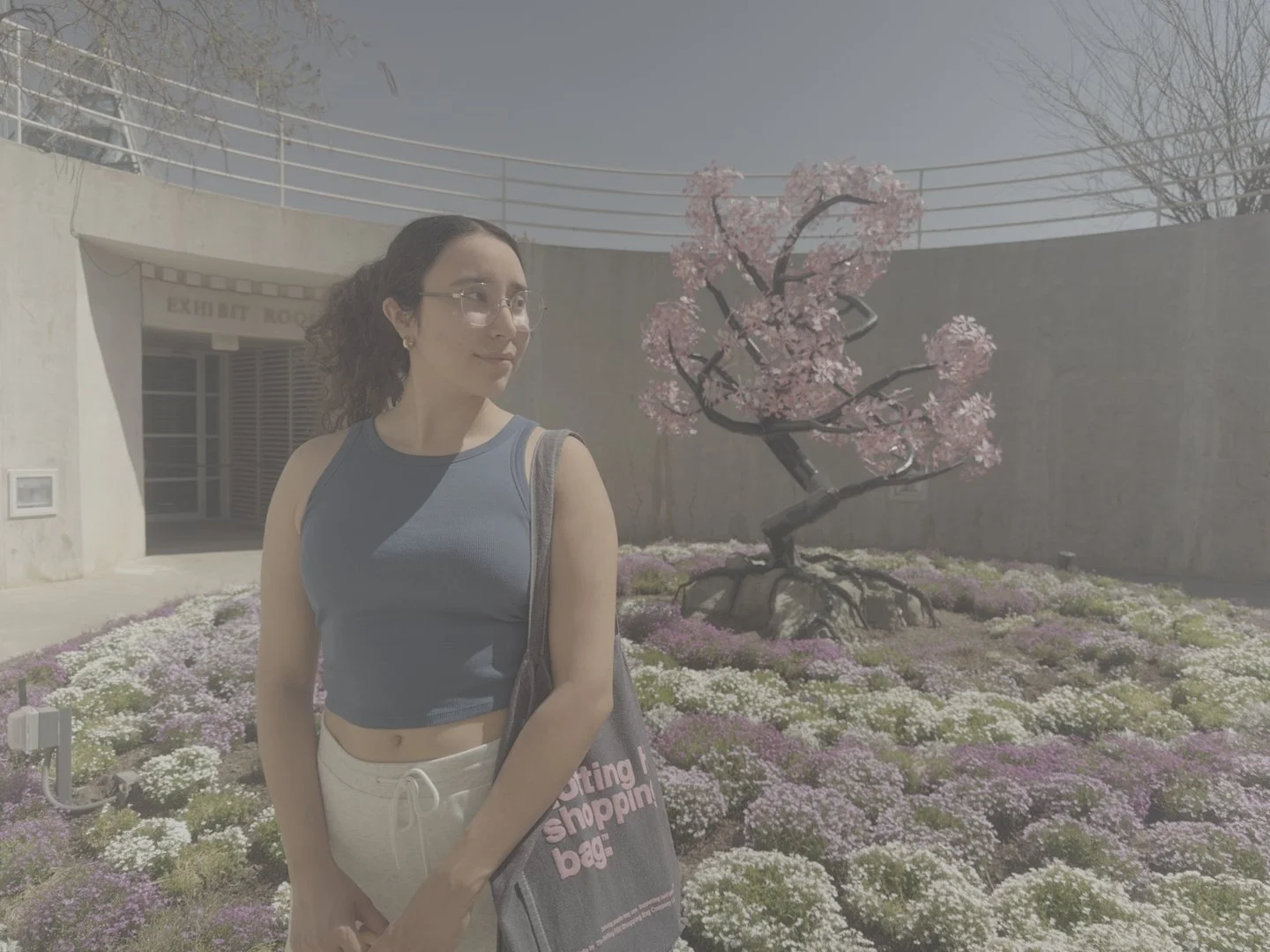
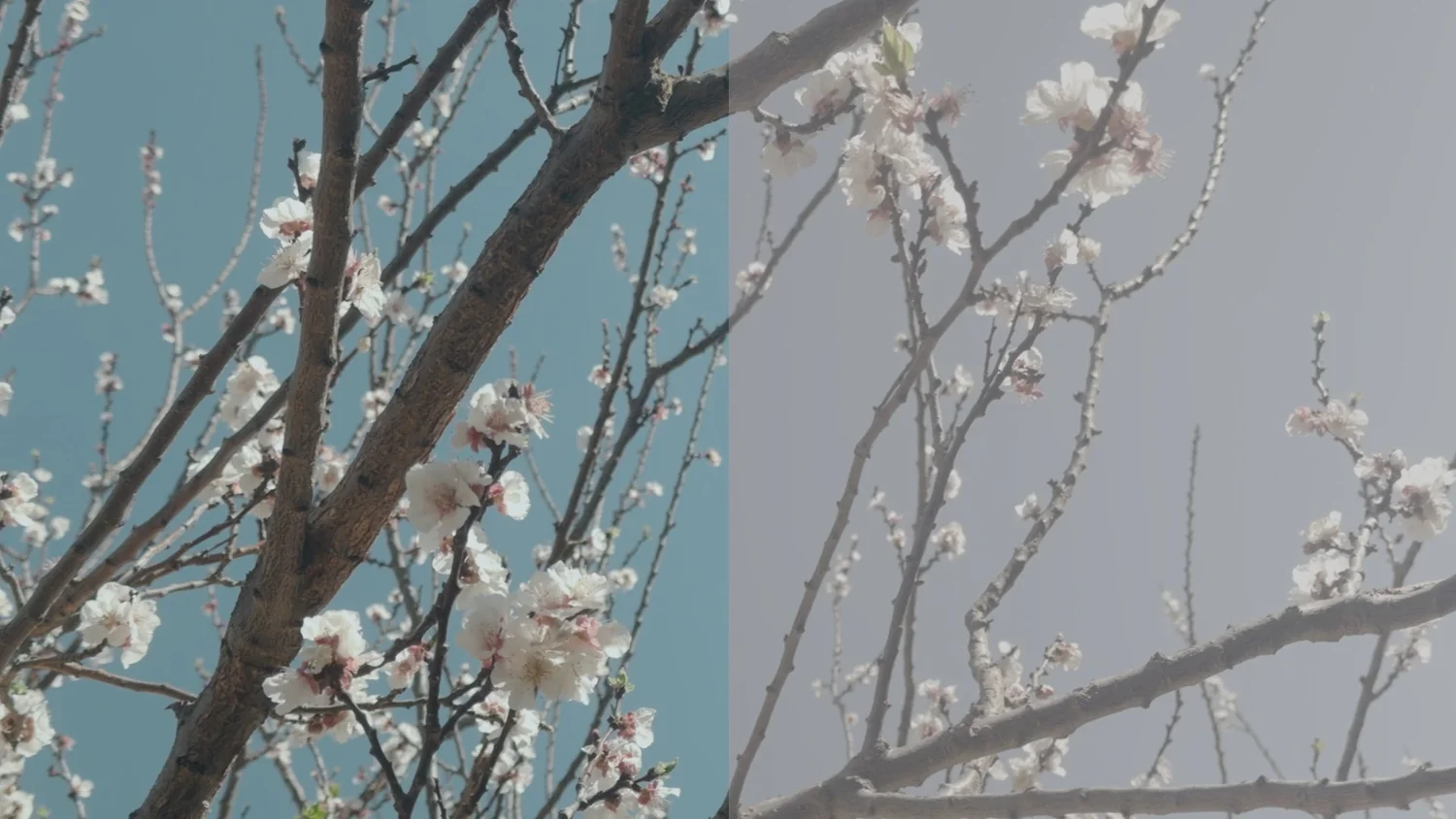
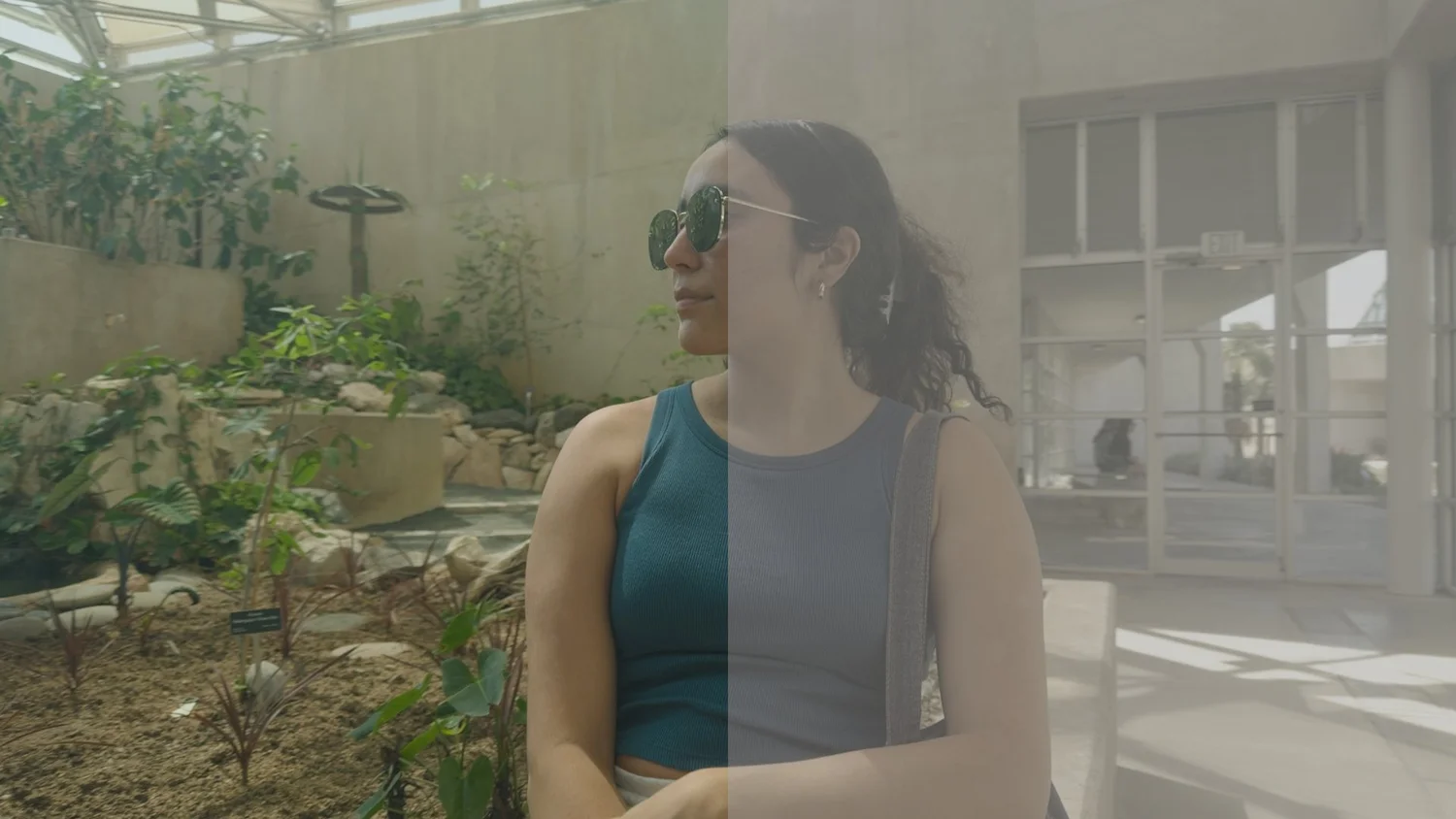
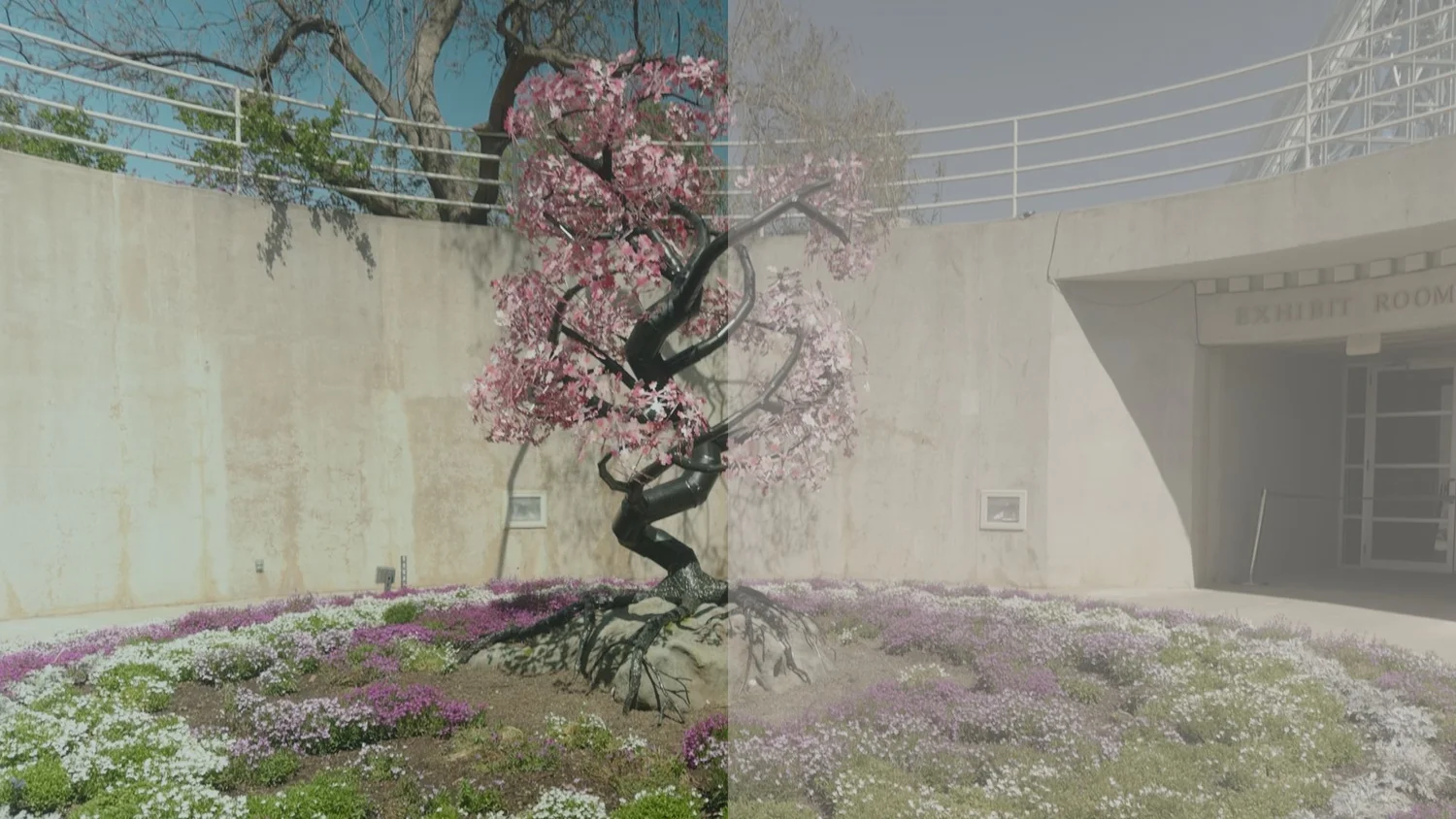
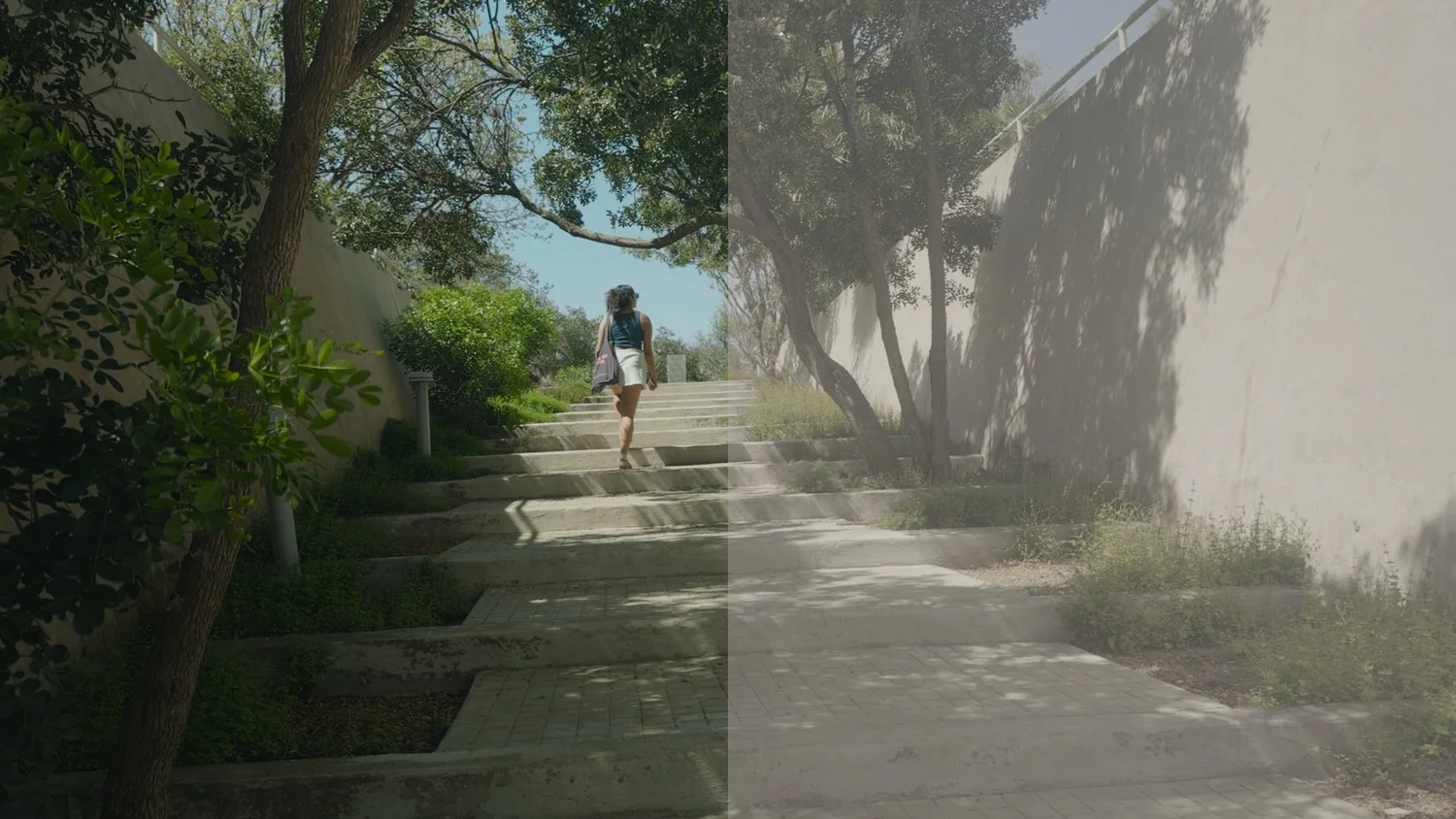
Before + After
Drag to seethe difference.
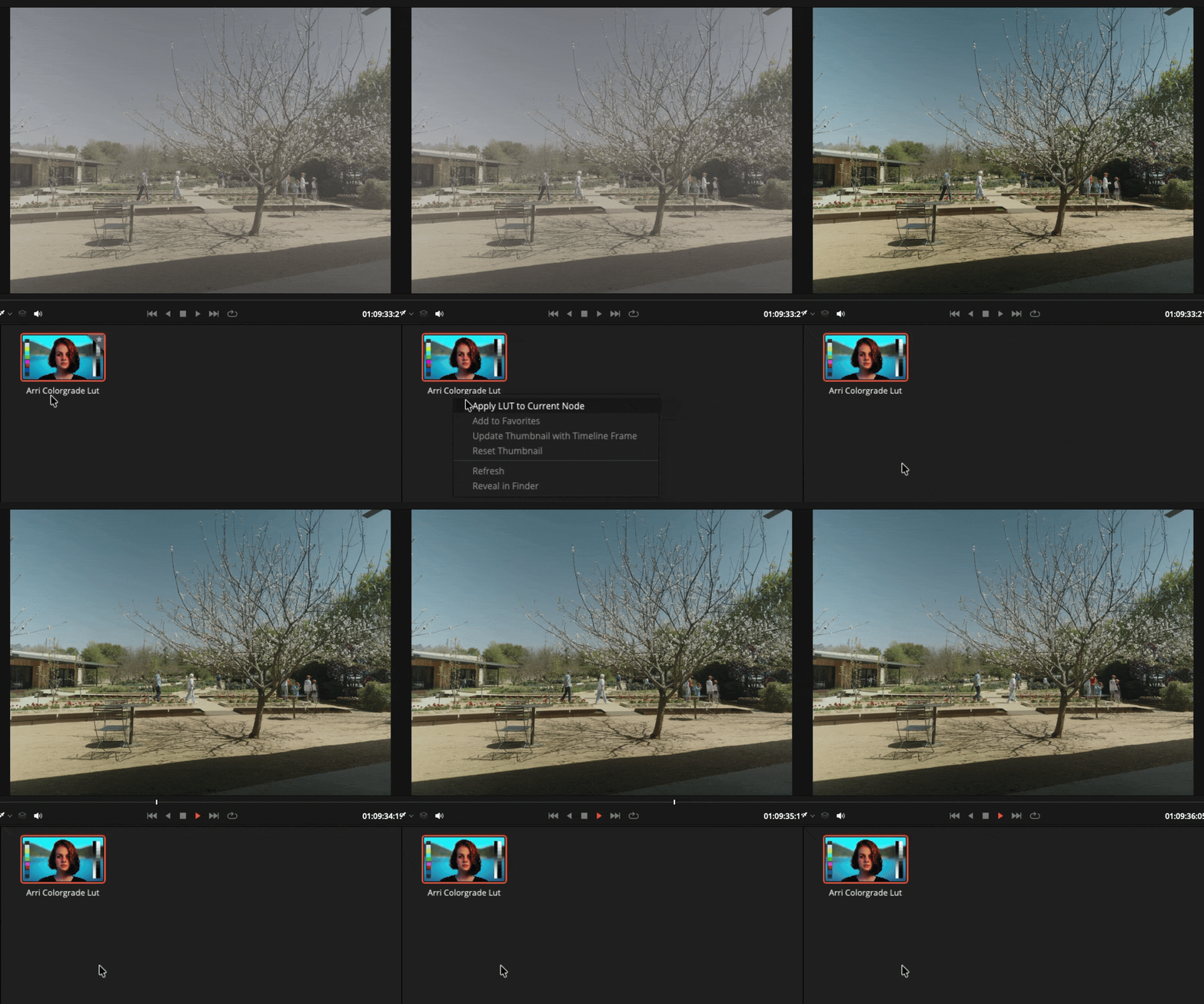
Apple Log 2 footage, before and after the LUT. Richer tones, smoother highlights, a cleaner path to a cinematic image.
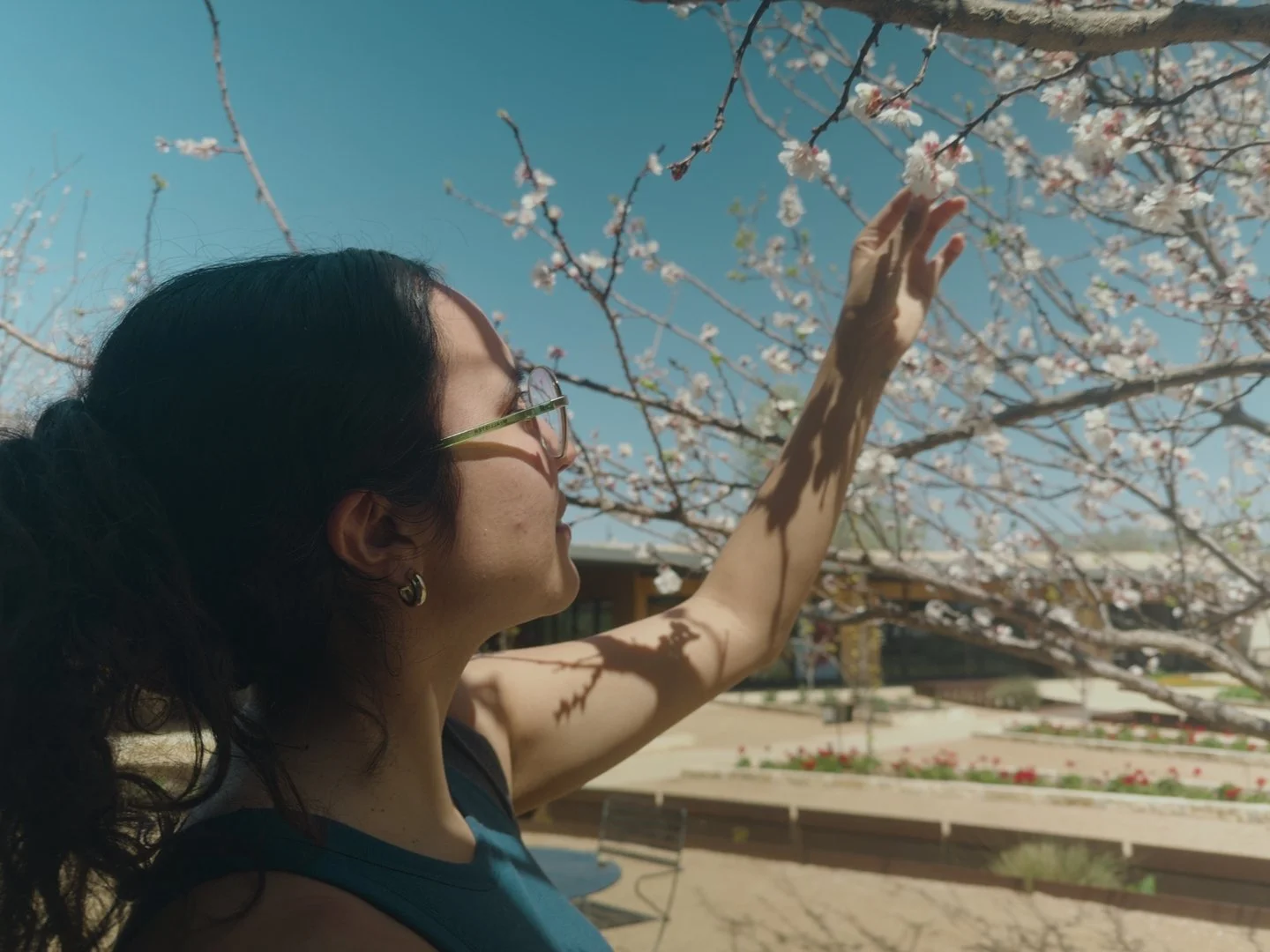
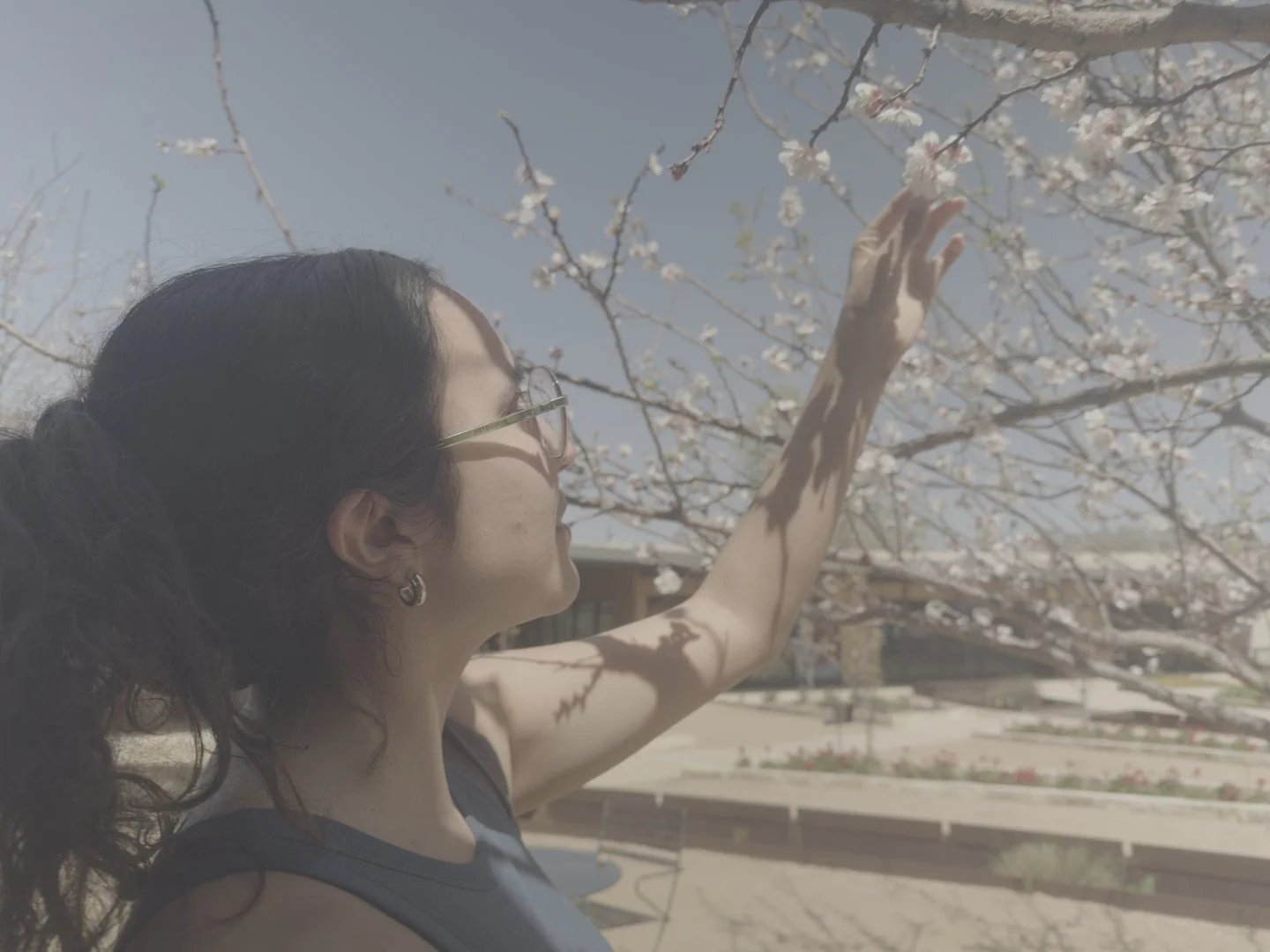
Results
The LUTacross scenes.
A few stills showing how the LUT handles different lighting conditions, skin tones, and environments.
"Your iPhone footage doesn't have to look like it came from a phone."
The Problem
Your iPhone footage doesn't have to look boring.
Standard iPhone video is over-processed — too much built-in sharpening, contrast baked in, and a color response that reads as synthetic. Apple Log 2 opens the door to a cleaner negative. This LUT takes that image somewhere more refined, with an Arri-inspired color response as the destination.
What's Included
Everything you needto get started.
One purchase, instant download. Designed for creators who want a clean, professional result without rebuilding from scratch.
The core LUT. Takes Apple Log 2 footage and moves it toward an Arri-inspired color response — richer tones, better highlight handling, and a less synthetic overall feel.
Apply it in DaVinci Resolve after the shoot, or bake it into the Blackmagic Camera app while recording — so the graded look is already there in camera.
Optimized for DaVinci Resolve — both the free version and Studio. A clean starting point that works with your existing node structure.
Compatibility
Built forApple Log 2.
Designed specifically around Apple Log 2's color profile. Works in DaVinci Resolve and as a monitoring LUT in the Blackmagic Camera app.
Apple Log 2 is exclusive to the iPhone 17 Pro and iPhone 17 Pro Max. This LUT is built specifically for Apple Log 2's wider color gamut — it won't work correctly with original Apple Log footage from older devices.
DaVinci Resolve (free or Studio) is the recommended grading environment. Also works as a monitoring LUT in the Blackmagic Camera app while shooting.
FAQ
Commonquestions.
Everything worth knowing before you grab the LUT.
Creators shooting Apple Log 2 on the iPhone 17 Pro or 17 Pro Max who want a more cinematic baseline — commercial work, travel films, social content, or any project where the phone look needs to go away. Apple Log 2 is exclusive to iPhone 17 Pro models and won't work on older iPhones.
Yes. LUT-based grading works in the free version of DaVinci Resolve with no restrictions.
The cleanest, most recommended workflow right now is DaVinci Resolve — that's where it's been tested and tuned.
Yes. Load it into the Blackmagic Camera app as a monitoring LUT and preview the graded image while you shoot — no guessing what the final result will look like.
Stop shooting flat.Start looking cinematic.
One purchase. Instant download. Arri-inspired color from your iPhone — graded in Resolve or monitored live on set.